How to find all registered users on the platform
A step by step guide to find all registered users on the platform.
Step-by-step instructions
1. Select “Users” in the side bar.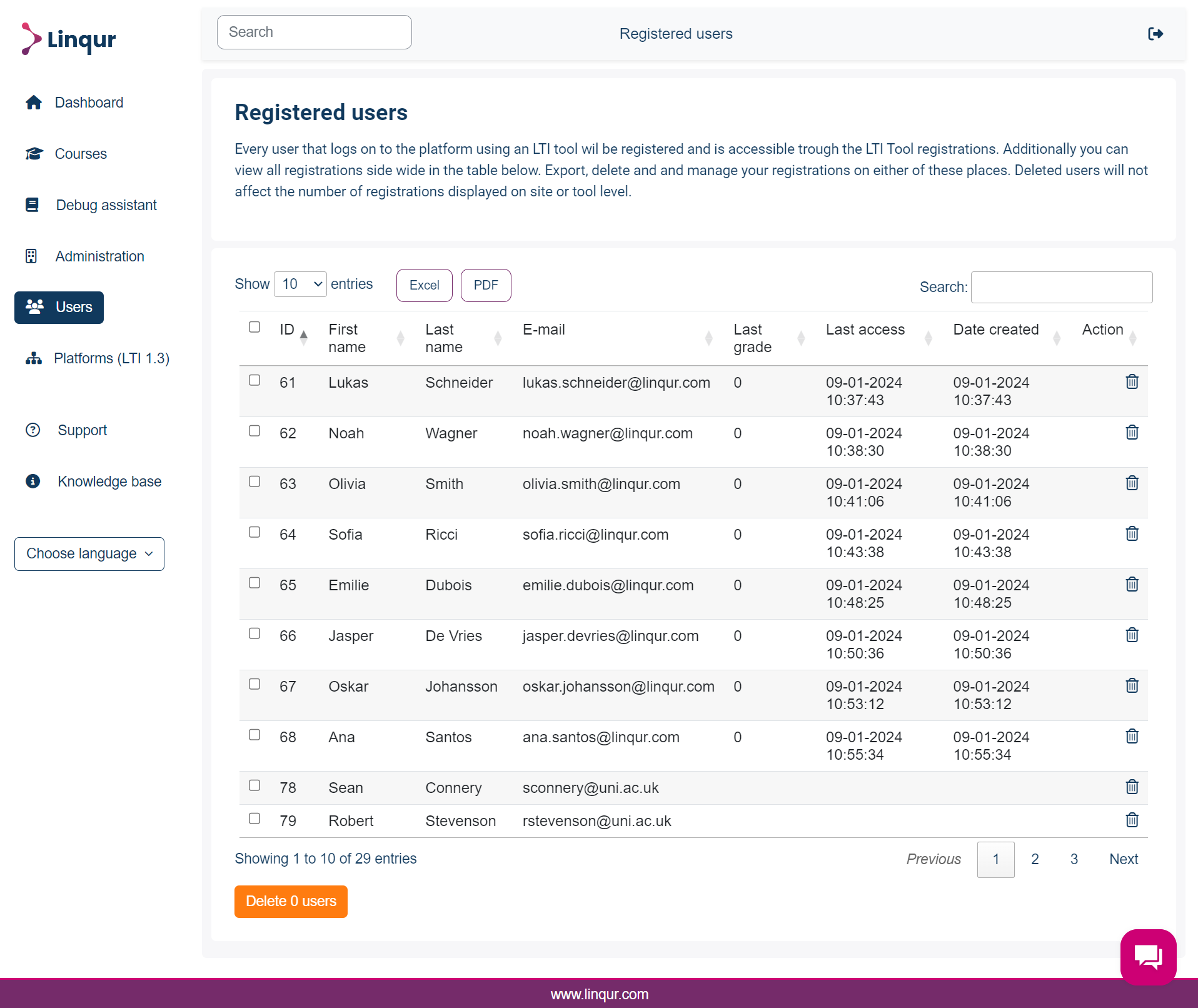
2. The table displays all registered users on the platform, use the search bar on the right to find a specific user.
This screen covers the whole platform. To see who is registered in one particular LTI tool, open the tool overview of that course instead. The same table is also where the PDF and Excel export starts.
Last updated on