Standard course: a complete course with sections
A Standard course has sections, and each section holds activities. It is the format you choose almost always.
A Standard course is a course with sections. In every section you add activities: a SCORM package, a text block, a page, a file, an xAPI activity or a certificate. You set per activity when it counts as complete, and on the Course completion tab you set when the whole course is complete. That is what makes it a course: learners see their progress, and the LMS of your client or a sign-up URL can report on it.
When to choose it
Almost always. Choose Standard Course when you share the course through SCORM Proxy or as an LTI tool, when the course has more than one activity, and when you want sections, a certificate or course completion. The two other formats are for specific cases: Single activity for one SCORM package behind a sign-up URL, and Multilingual SCORM for one package per language.
What the example course contains
This is “Docs example: web basics”, a complete Standard course. Outside edit mode the course page looks like this.
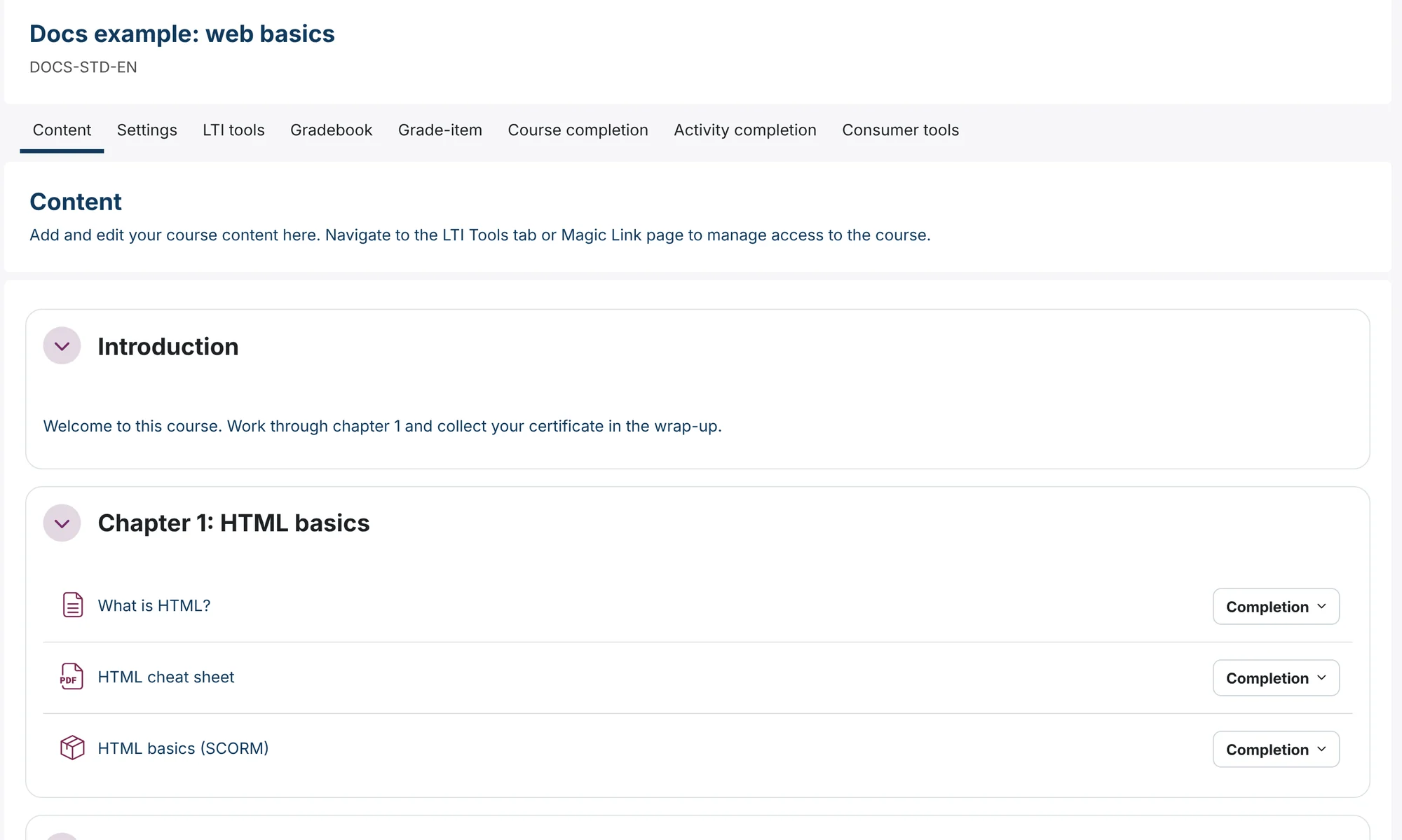
Three sections
The course has three sections: Introduction (1), Chapter 1: HTML basics (2) and Wrap-up (3). You rename the first section and add the others with Add section. See how to manage sections in a course.
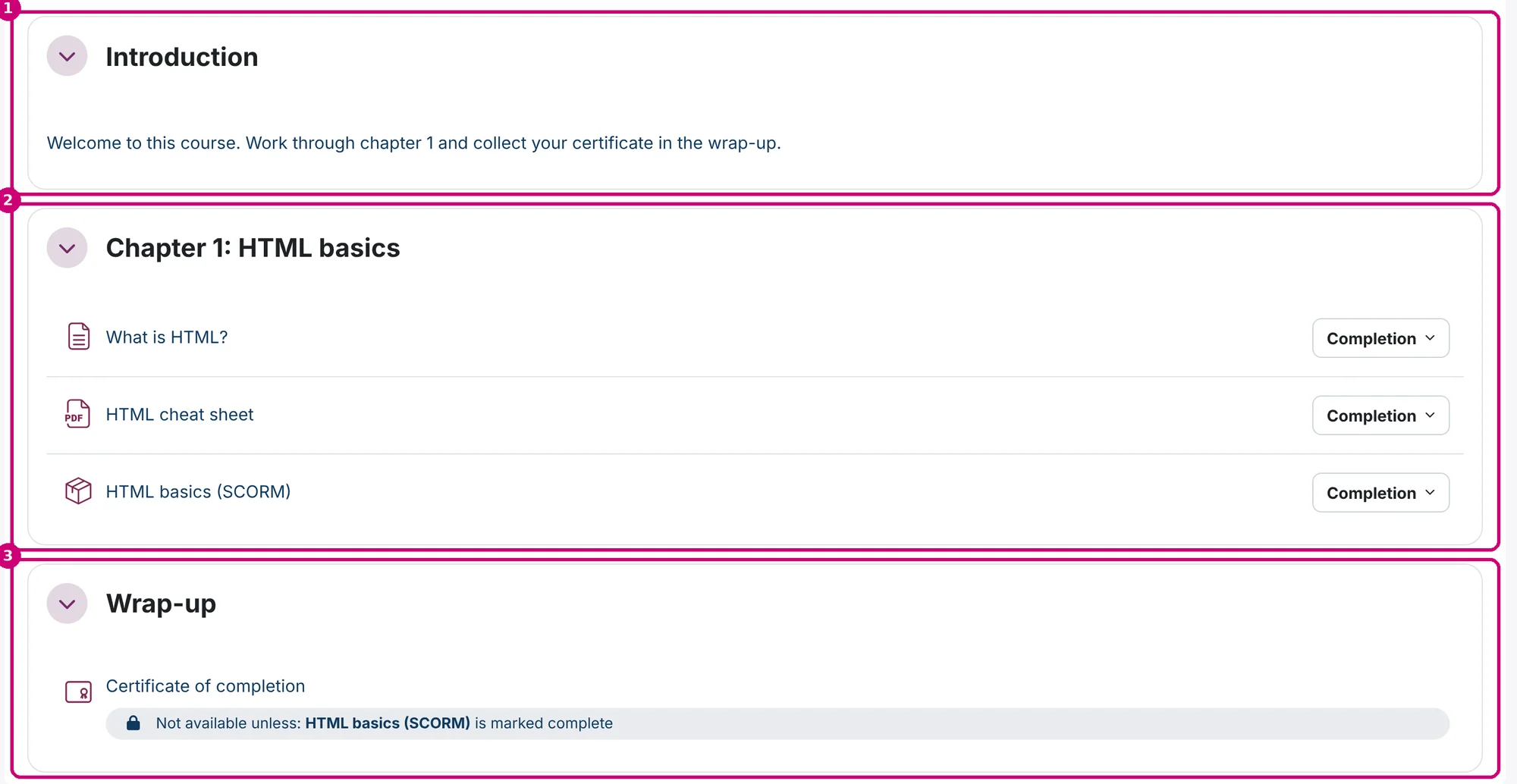
Five activities
| Section | Activity | What it does | Tutorial |
|---|---|---|---|
| Introduction | Text “Welcome” | A short text that is shown directly on the course page. | Add a text block |
| Chapter 1 | Page “What is HTML?” | A separate page with formatted content. Complete when the learner opens it. | Add a page |
| Chapter 1 | File “HTML cheat sheet” | A PDF that learners open or download. Complete when the learner opens it. | Add a file |
| Chapter 1 | SCORM “HTML basics (SCORM)” | The SCORM package. Complete when the package reports completed. | How to add a SCORM package |
| Wrap-up | Certificate “Certificate of completion” | A PDF certificate. Only available once the SCORM package is complete. | Add a certificate |
In chapter 1, the page (1), the file (2) and the SCORM package (3) each have a Completion button: they have a completion condition.
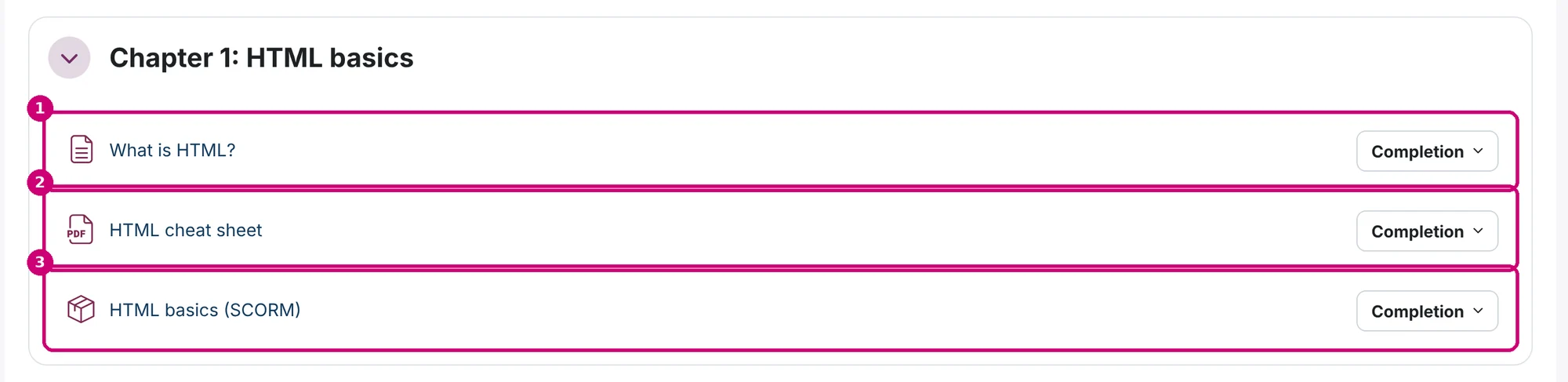
The wrap-up holds the certificate. Under its name the course page shows the condition: not available unless “HTML basics (SCORM)” is marked complete.

Completion and certificate
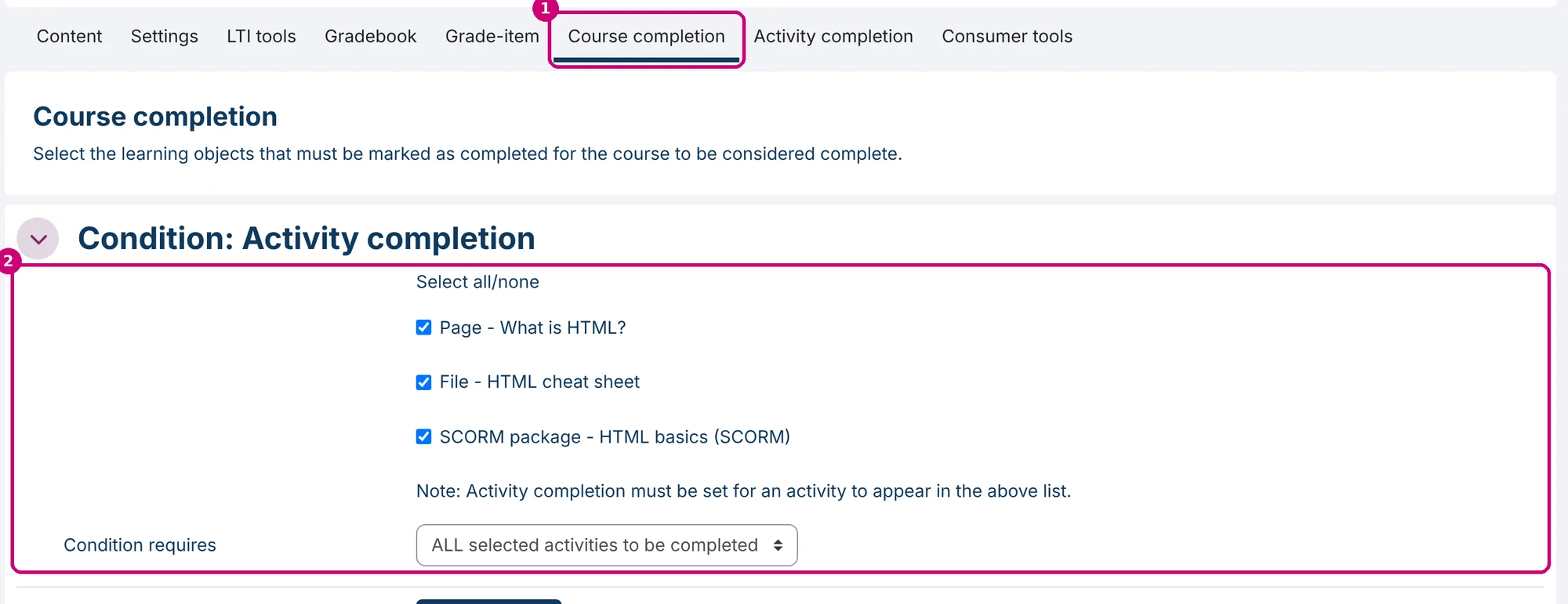
On the Course completion tab (1), the page, the file and the SCORM package are ticked under Condition: Activity completion (2), with ALL selected activities to be completed. The course is complete once a learner has done all three. See how to set up course and activity completion.
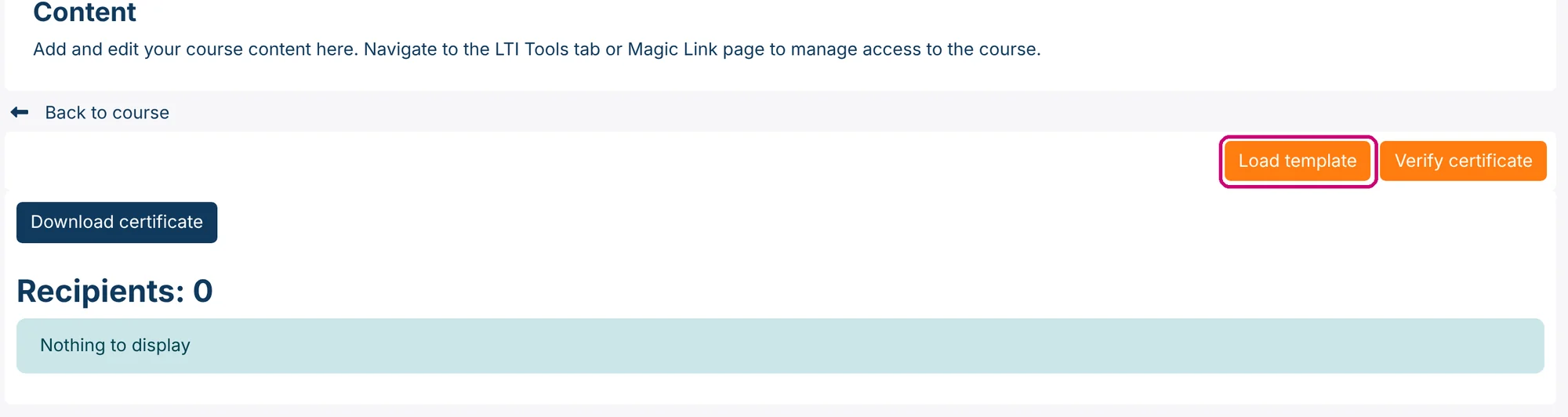
The certificate uses the template “Linqur”, loaded with Load template on the certificate page. The same page lists the recipients.
Learners open the SCORM package with Enter.
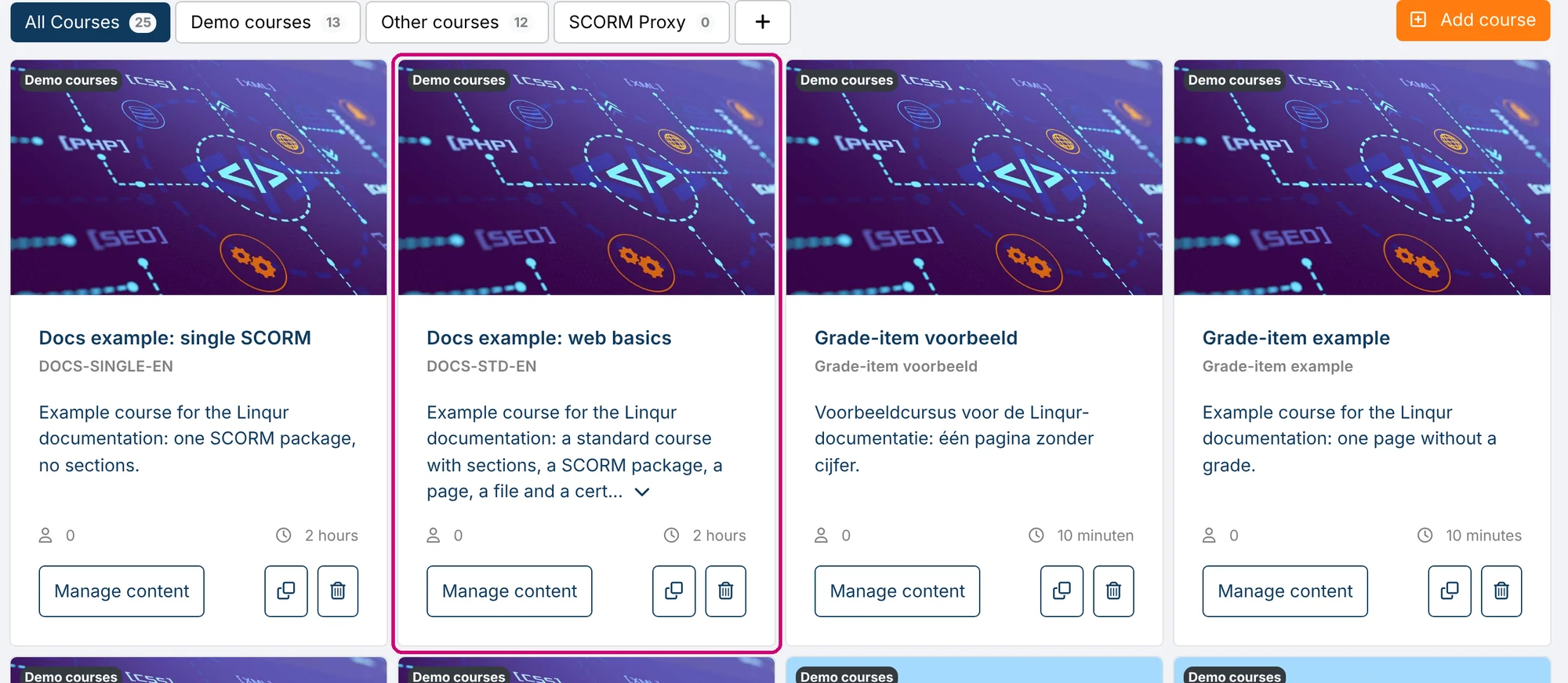
In the course overview, the course has its own card with the cover image, description and estimated duration.
How to share it
- To the LMS of a client: publish a SCORM package as an LTI tool.
- To learners who sign up themselves: create a sign-up URL.
- As a package that runs in another LMS: create a SCORM wrapper.
Build it yourself
- Add a new course and choose Standard Course.
- Manage the sections: rename the first one and add the others.
- Add a text block.
- Add a page.
- Add a file.
- Add a SCORM package.
- Add a certificate.
- Set up course and activity completion.
- Restrict access to sections and activities where you need a condition.