.jpeg)
When a learning and development team tries to integrate new digital tools into their existing LMS, they often encounter a confusing landscape of incompatible systems and manual workarounds. The challenge is not just about adding content; it’s about creating seamless connections that allow tools and platforms to communicate securely and efficiently.
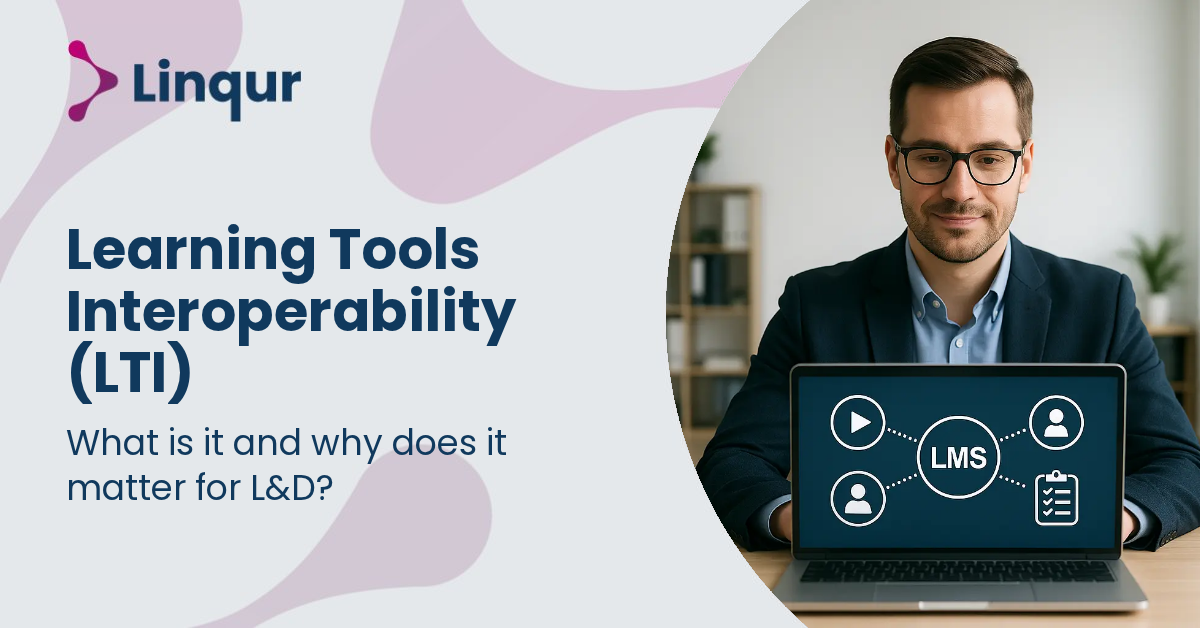
Learning Tools Interoperability (LTI) is the technical standard designed to solve this problem by enabling different learning applications to work together within any LMS environment. Understanding LTI is important because it transforms how content is delivered and managed, reducing complexity and improving the learner experience.
The LTI Provider Service is built to leverage this standard, helping you publish and control content centrally while integrating smoothly with multiple platforms.
From the LMS perspective, Learning Tools Interoperability (LTI) is a standardized protocol that enables seamless integration of external learning tools and content into the LMS environment without requiring separate logins. When a user launches an LTI tool, the LMS sends a launch request containing user information, course context, and security credentials to the external tool provider. This request typically uses OAuth 1.0a in LTI 1.1 or OAuth 2.0 with OpenID Connect and JSON Web Tokens in LTI 1.3, ensuring secure authentication and data exchange.
From your perspective as a training provider or course vendor, LTI allows you to host your content on your platform while enabling users to access it directly from their LMS. The launch process involves a series of steps: the LMS sends a signed launch message to your tool's launch URL, including parameters like user role, course ID, and resource link ID. Your tool validates the request, authenticates the user, and then delivers the content or service. This interaction can also include services like Assignment and Grade Services (AGS) for grade synchronization and Names and Roles Provisioning Services (NRPS) for user role synchronization, which are part of LTI Advantage.
Consider a corporate training provider integrating with multiple LMS platforms like Moodle, Canvas, and Blackboard. Supporting both LTI 1.1 and LTI 1.3 ensures broad compatibility while leveraging modern security features where available.
For example, using our LTI Provider Service, you can publish SCORM packages, videos, and full learning paths to external LMSs without losing control over content updates or reporting. This service supports deep linking, allowing learners to launch specific content items directly, and supports AGS and NRPS to synchronize grades and user roles dynamically.
In contrast, if you primarily distribute SCORM content and need to support legacy LMSs without LTI, a SCORM Proxy can provide remote SCORM course dispatch and management. However, LTI offers a more streamlined, secure, and scalable integration model for modern learning ecosystems.
How does LTI affect latency and user experience during content launch? LTI launches are typically quick because the LMS sends a signed launch request to the external tool, which then authenticates and delivers content. Network latency depends on the hosting infrastructure of the tool provider. Using robust services like our LTI Provider Service ensures minimal delay and smooth user experience.
What uptime guarantees are typical for LTI tool integrations? Uptime depends on the tool provider's infrastructure. Reliable LTI implementations use cloud hosting with redundancy and monitoring. Our infrastructure is designed for high availability to minimize downtime and ensure continuous access.
How secure is user data when transmitted via LTI? LTI 1.3 uses OAuth 2.0 and OpenID Connect, which are strong security protocols for authentication and data exchange. Data is transmitted over HTTPS, and sensitive information is protected by token-based authentication. However, security also depends on proper implementation and configuration by both LMS and tool providers.
LTI is often the best choice when you want to maintain centralized content control while providing seamless access across multiple LMS platforms. It reduces the overhead of packaging and dispatching content repeatedly and supports dynamic user and grade synchronization.
However, SCORM remains relevant if you need offline tracking or LMS-native content execution without external tool dependencies. APIs can offer more granular control and integration possibilities but require more development effort and maintenance.
For instance, a training vendor distributing courses to clients with diverse LMSs will benefit from LTI's standardized launch and reporting model, avoiding the complexity of multiple SCORM dispatches or custom API integrations. Our article on content distribution with LTI, SCORM, or API explores this decision context in detail.
This technical and operational understanding of LTI shows why it matters for learning and development teams aiming to expand offerings, improve learner experience, and streamline content management across platforms. For deeper insights, our blog on LTI integration challenges in real projects and upgrading from LTI 1.1 to LTI 1.3 provide practical guidance.
LTI transforms content delivery from a static file exchange into a live, secure handshake between platforms that you control.
Explore how our LTI Provider Service can help you implement these capabilities with minimal overhead.
Start by connecting your content to a test LMS using our LTI Provider Service and see how quickly you can launch a secure, seamless learning experience within 30 minutes. Book a 30 minute LTI walkthrough with one of our engineers, or read the setup documentation to start in self-service mode.
Joris Even is our founder and the brains behind our products, with 15 years in e-learning. He loves the outdoors and lives to enjoy every moment. Joris’s easy-going approach and deep industry knowledge make our work both fun and impactful.
With our LTI Provider Service, you can integrate your content into any LMS. Fast, simple, and hassle-free. Get the brochure and find out how!
With SCORM Proxy, you can play SCORM courses in any LMS without worrying about updates or hosting. Sounds good? Request the brochure!
Our LTI Converter transforms SCORM into LTI, making your content work in any LMS. Want to know how? Download the brochure and find out for yourself!
With Magic Link Login, your users log in securely with just one click – no passwords, no hassle. Discover how in the brochure!
With the Linqur API, you can seamlessly connect e-learning systems and automate everything. Download the brochure and discover the benefits.