.jpeg)
When training providers distribute SCORM content to multiple clients, managing separate SCORM packages for each LMS quickly becomes overwhelming. Every update means sending out new files, tracking versions, and hoping clients upload the latest release correctly. This constant back-and-forth not only wastes time but also risks inconsistent learner experiences and lost control over intellectual property.
Platforms like SCORM Cloud offer centralized hosting and dispatching, but understanding how this compares to alternatives like SCORM Proxy is important for choosing the right approach. The SCORM Proxy model keeps your content centrally managed while clients access it through lightweight wrappers, reducing manual overhead and improving update control. Meanwhile, SCORM Cloud Dispatch provides a robust cloud-based solution for content delivery and tracking across platforms.
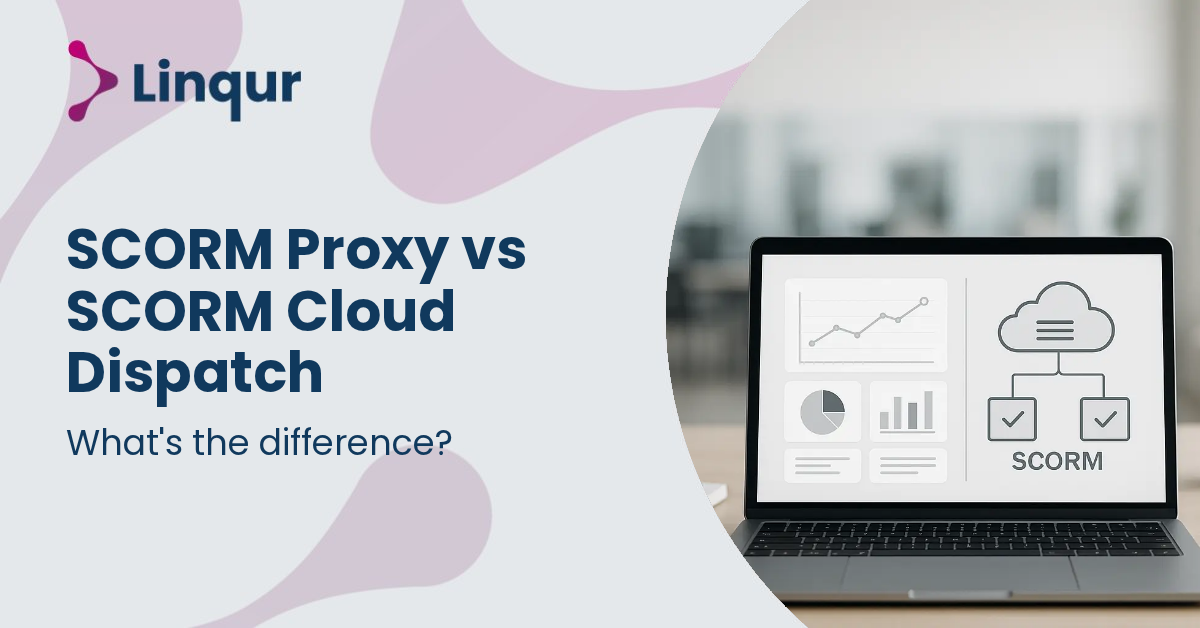
From the LMS perspective, both SCORM Proxy and SCORM Cloud Dispatch present SCORM content as if it were locally hosted, maintaining compatibility with SCORM 1.2 and SCORM 2004 standards. However, the underlying mechanisms differ significantly.
SCORM Proxy operates by generating a proxy-wrapper for each course or activity. This wrapper acts as a lightweight SCORM package that launches the actual content remotely from a central server. When a learner launches the course, the LMS loads the proxy SCORM package, which then communicates with the central content host to stream the course assets and handle SCORM runtime calls such as LMSInitialize(), LMSGetValue(), and LMSSetValue(). This approach bypasses the need to upload full SCORM packages into each client LMS. From your perspective as a content provider, this means you retain control over the content centrally, pushing updates and managing licenses without requiring clients to re-import packages.
SCORM Cloud Dispatch uses a similar concept of dispatch packages, which are compact proxy files that reference centrally hosted content. The dispatch package is uploaded into the client LMS, but the actual course assets remain on the SCORM Cloud servers. The LMS runtime calls are proxied through the dispatch package to the SCORM Cloud environment, which manages tracking, reporting, and content delivery. This method depends on SCORM Cloud’s monolithic server infrastructure to handle content streaming and data collection.
Both methods use cross-domain communication techniques such as HTML5 postMessage to overcome browser same-origin policy restrictions, enabling seamless interaction between the LMS domain and the remote content host.
Content Updates
With SCORM Proxy, you can update course content centrally at any time. Changes are immediately reflected for all learners without requiring new SCORM package uploads. SCORM Cloud Dispatch also allows central updates but depends on the SCORM Cloud environment to manage versioning.
Licensing and Access
SCORM Proxy provides granular license management per client or wrapper, including user limits, domain restrictions, and remote deactivation. SCORM Cloud Dispatch offers licensing controls through its platform but may be less flexible in custom license enforcement.
Intellectual Property Protection
Using SCORM Proxy, the full SCORM package never leaves your control, reducing the risk of unauthorized distribution. SCORM Cloud Dispatch similarly keeps content on the cloud but requires trust in the SCORM Cloud service’s security.
Reporting and Analytics
Both solutions collect detailed learner data such as completion status, scores, and activity logs. SCORM Proxy includes wrapper analytics and operational logging for debugging and support. SCORM Cloud Dispatch provides comprehensive reporting within its platform.
Integration and Automation
SCORM Proxy exposes APIs for automation of wrapper creation, license management, and reporting integration. SCORM Cloud Dispatch has its own API but is tied to the SCORM Cloud ecosystem.
Imagine you are a training provider with a large library of SCORM 2004 courses that you want to distribute to multiple corporate clients, each using different LMS platforms like Moodle, Canvas, and Blackboard. You want to maintain strict control over licensing, updates, and usage reporting without requiring each client to upload and manage the full SCORM packages.
Using SCORM Proxy, you generate a proxy-wrapper for each course and provide clients with these lightweight SCORM packages. Clients upload these wrappers into their LMS, which then streams content from your central server. When you update a course, all clients automatically see the latest version without re-importing. You can centrally deactivate access if a license expires, and track usage across all clients via your dashboard and API.
Alternatively, if you prefer a turnkey cloud solution and are comfortable with the SCORM Cloud ecosystem, SCORM Cloud Dispatch lets you host content on their servers and distribute dispatch packages to clients. This reduces your infrastructure overhead but may involve higher costs and less direct control over licensing nuances.
For a step-by-step approach to SCORM dispatching, our article on how to dispatch SCORM courses provides practical guidance.
How does SCORM Proxy handle cross-domain restrictions in browsers?
SCORM Proxy uses HTML5 postMessage to securely communicate between the LMS domain and the remote content host. This bypasses the same-origin policy that normally blocks JavaScript interactions across domains, enabling SCORM runtime calls to function correctly despite the content being hosted externally.
What happens if the SCORM Cloud servers experience downtime?
SCORM Cloud Dispatch relies on SCORM Cloud’s server availability. Downtime can disrupt course launches and tracking. SCORM Proxy, if hosted on your own infrastructure or a reliable cloud provider, allows you to control uptime and implement redundancies tailored to your needs.
Can I restrict SCORM Proxy or SCORM Cloud Dispatch content by license expiry?
Yes, SCORM Proxy supports remote deactivation of wrappers, stopping access immediately when a license expires. SCORM Cloud Dispatch also allows license management but depends on the SCORM Cloud platform’s policies and features for enforcement.
Choose SCORM Proxy when you need:
Choose SCORM Cloud Dispatch when you prefer:
Both approaches have valid use cases. If your priority is operational control and IP protection, SCORM Proxy is often the better fit. If you want a cloud-based turnkey solution and can accept platform dependency, SCORM Cloud Dispatch is a strong alternative.
For a broader view on content distribution choices, see our article on content distribution with LTI, SCORM, or API.
The distinction between SCORM Proxy and SCORM Cloud Dispatch is less about technology and more about how you want to govern your content distribution and licensing at scale.
Explore how the Linqur SCORM Proxy can fit into your content delivery strategy and streamline your operational control.
Take control of your SCORM content distribution by automating wrapper creation and license management in under an hour. Book a 30 minute SCORM Proxy walkthrough with one of our engineers, or read the setup documentation to start in self-service mode.
Joris Even is our founder and the brains behind our products, with 15 years in e-learning. He loves the outdoors and lives to enjoy every moment. Joris’s easy-going approach and deep industry knowledge make our work both fun and impactful.
With our LTI Provider Service, you can integrate your content into any LMS. Fast, simple, and hassle-free. Get the brochure and find out how!
With SCORM Proxy, you can play SCORM courses in any LMS without worrying about updates or hosting. Sounds good? Request the brochure!
Our LTI Converter transforms SCORM into LTI, making your content work in any LMS. Want to know how? Download the brochure and find out for yourself!
With Magic Link Login, your users log in securely with just one click – no passwords, no hassle. Discover how in the brochure!
With the Linqur API, you can seamlessly connect e-learning systems and automate everything. Download the brochure and discover the benefits.