.jpeg)
When a training provider needs to surface course content inside a client's LMS without rebuilding that content from scratch, the question of how tools communicate across platforms becomes very practical, very quickly. At the centre of that communication sits a standard called Learning Tools Interoperability, and within that standard, the role of the LTI provider is one of the most important to understand.
If you manage or distribute e-learning content, the distinction between a provider and a consumer determines how your content is exposed, who can access it, and what data flows back to you. Get it wrong and you end up with broken integrations, manual workarounds, or content that simply will not launch in the platforms your clients are using. Get it right and you have a scalable, standards-based way to deliver learning experiences across multiple systems without duplicating content or managing separate user accounts.
This article explains what an LTI provider actually is, how it functions within the broader LTI architecture, and what that means in practical terms for training providers and LMS administrators building or maintaining content distribution pipelines.
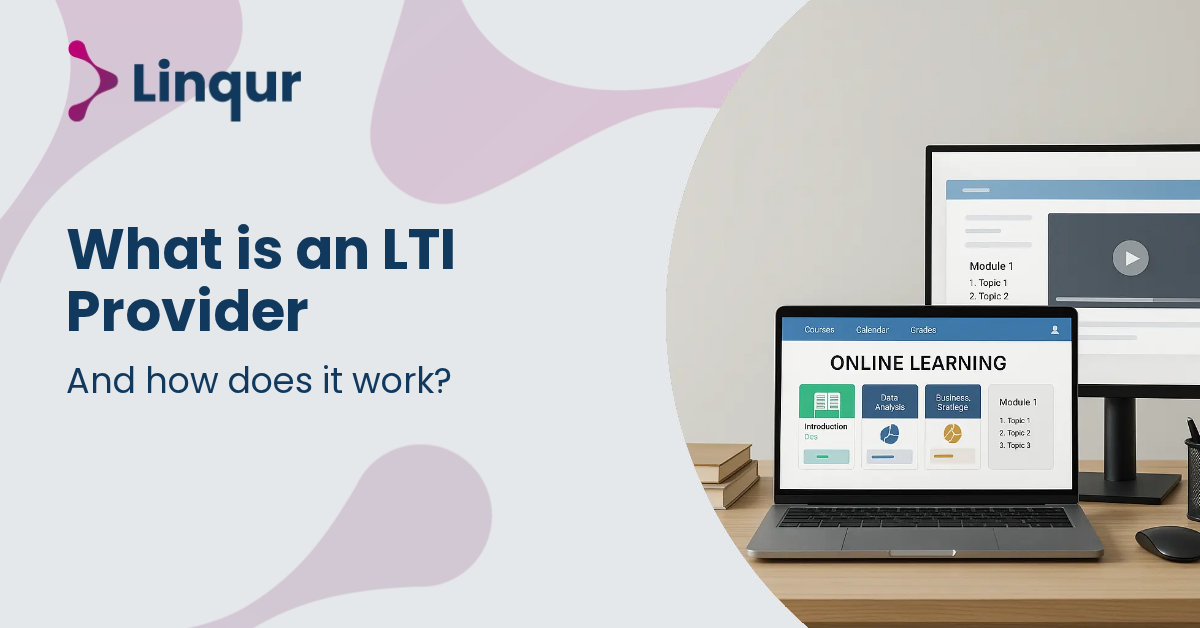
An LTI provider is the system that delivers learning content or tool functionality to another learning platform through Learning Tools Interoperability. In practice, the LMS, portal, or training platform acts as the launch point, while the provider hosts the course, activity, assessment, or external learning experience that the learner opens.
This matters because LTI is a standard rather than a single product. As 1EdTech explains, LTI connects learning tools with an institution’s learning environment without requiring separate logins for each tool. For organisations delivering training, that means learners can access external content from inside the LMS they already use, while the content owner avoids building a different custom integration for every customer platform.
A provider can expose many kinds of learning assets. For example, Moodle’s LTI provider functionality allows selected courses or activities to be published so remote users on another platform can access them. In that model, Moodle acts as the tool being launched, and the external LMS acts as the platform that sends the learner into the published content.
At a high level, an LTI launch begins when a learner clicks a link inside the LMS that is acting as the platform, sometimes called the consumer in older terminology. That platform sends a secure launch request to the LTI provider. The provider validates the request, identifies the user and context, and then returns the learning experience so the learner can continue without a separate sign-in step.
In older LTI 1.1 implementations, launches relied on signed parameters and a shared secret between systems. In LTI 1.3, the security model moved to modern standards such as OAuth 2 and JSON Web Tokens. This change improves trust between platforms and providers and gives organisations a stronger foundation for enterprise security, governance, and long-term interoperability.
A typical launch flow usually includes the following steps:
This is why LTI is often described as both an access standard and a workflow standard. It does more than open a remote page inside an LMS. It can also carry role information, course context, and, depending on the version and enabled services, assignment setup and grade return.
For training providers, publishers, and course vendors, an LTI provider solves a distribution problem. Instead of exporting SCORM packages for every customer LMS, content can be hosted once and launched through a standard connection. That gives the provider more control over updates, availability, version management, and support. If a course changes, the hosted version can be updated centrally rather than redistributed as a new package to every client environment.
For LMS administrators and platform operators, the benefit is interoperability. If customers ask for external catalogues, third-party courses, or partner-delivered training, an LTI provider makes it possible to connect those services without rebuilding the LMS itself. Linqur has explored related integration patterns in its articles on LTI integration challenges, LMS integration tools, and what LTI is.
User experience is another major reason organisations adopt this model. Because LTI supports seamless access from the host environment, learners do not need separate credentials for every external tool. That reduces friction, lowers support requests related to login issues, and keeps the learning journey inside the system the learner already knows. If sign-in complexity is part of the operational burden, it is useful to compare standards-based access with approaches such as automatic LMS and CRM login.
An LTI provider is not just a content host. It is part of a standardised connection model that lets external learning experiences appear inside another platform with shared context and controlled access.
If you are planning to work with an LTI provider, start by checking compatibility, scope, and service support. Not every platform supports the same LTI version, and not every provider exposes the same content types or return services. Two systems may both claim LTI support while still differing in what they can actually do together.
Before implementation, clarify the following points:
You should also decide how much control is needed over hosting, updates, and reporting. If the goal is to publish centrally managed content to many LMS environments, the provider model is usually more flexible than sending static files. If the content only exists as SCORM, a bridging approach may be more suitable, as discussed in SCORM vs LTI and Linqur’s article on making a SCORM course accessible with an LTI provider.
It is also worth checking operational ownership. Some organisations want to manage registrations, launch security, and platform setup internally. Others prefer a managed layer that handles those tasks across multiple LMS environments. The right choice depends on internal technical capacity, the number of customer platforms involved, and how often content changes.
In practice, an LTI provider can be used in several ways. A training company might distribute a catalogue of licensed courses to customer LMSs. A university might publish selected Moodle activities to partner institutions. A specialist assessment vendor might connect testing tools into a broader learning ecosystem while keeping delivery and scoring on its own infrastructure.
This model is especially useful when an organisation owns the content delivery environment but its customers want learners to remain inside their own LMS. The learner experiences a smoother journey, while the provider keeps one source of truth for content, access rules, and updates. That can simplify support, reduce duplication, and make reporting more consistent across clients.
Provider services also become valuable at an operational level. A managed provider layer can handle registration, launch security, user mapping, and platform-specific setup, so teams do not have to maintain separate integrations for Moodle, Canvas, Sakai, and other LTI-capable systems. When the goal is to distribute content across mixed environments while keeping central control, that is often the most scalable way to work.
In short, an LTI provider helps connect hosted learning experiences to external platforms through a recognised standard. It supports smoother learner access, reduces the need for one-off integrations, and gives content owners more control over how training is delivered across different LMS environments.
Start by mapping your target LMS platforms, supported LTI versions, and the specific content or tool experiences you want to launch so your implementation plan reflects real delivery needs.
If you include these checks in your planning process now, you can support smoother launches, cleaner integrations, and a better learner experience across customer platforms.
Joris Even is our founder and the brains behind our products, with 15 years in e-learning. He loves the outdoors and lives to enjoy every moment. Joris’s easy-going approach and deep industry knowledge make our work both fun and impactful.
With our LTI Provider Service, you can integrate your content into any LMS. Fast, simple, and hassle-free. Get the brochure and find out how!
With SCORM Proxy, you can play SCORM courses in any LMS without worrying about updates or hosting. Sounds good? Request the brochure!
Our LTI Converter transforms SCORM into LTI, making your content work in any LMS. Want to know how? Download the brochure and find out for yourself!
With Magic Link Login, your users log in securely with just one click – no passwords, no hassle. Discover how in the brochure!
With the Linqur API, you can seamlessly connect e-learning systems and automate everything. Download the brochure and discover the benefits.