.jpeg)
When a corporate training team tries to integrate external training content into their LMS, they often face a tangle of incompatible formats, multiple platforms, and disconnected reporting systems. The challenge is not just about uploading courses; it’s about maintaining control over updates, user data, and completion tracking across diverse environments. This complexity grows as you add more content providers or client LMS platforms, each with its own technical requirements and integration standards.
The key to solving this lies in seamless interoperability and centralized management. Standards like LTI enable consistent integration, while APIs and proxies help unify content delivery and reporting. Understanding these tools is important to streamline your training ecosystem and ensure your external content works smoothly within your corporate LMS.
For a deeper dive into integration options, see the LTI Provider Service and the SCORM Proxy.
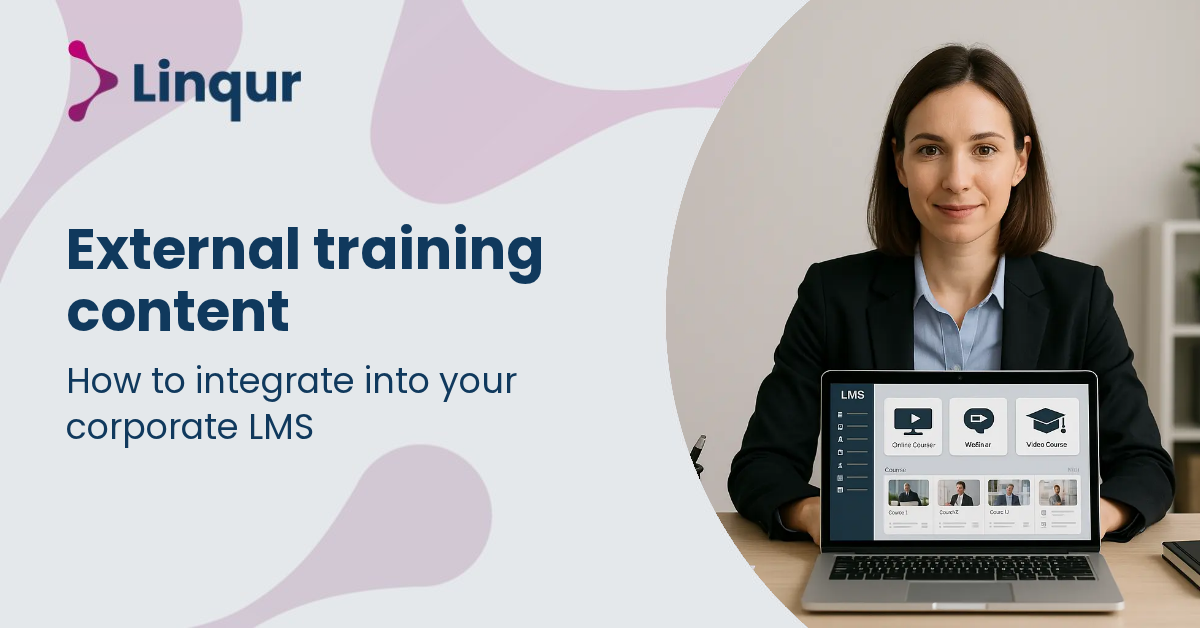
From the LMS perspective, integrating external training content typically involves launching or embedding content hosted outside the LMS environment. This often uses protocols like Learning Tools Interoperability (LTI) or SCORM standards. When an LMS launches an LTI tool, it sends an authenticated launch request including user and context data, using OAuth 1.0a in LTI 1.1 or OAuth 2.0 with OpenID Connect in LTI 1.3. The external content provider then delivers the learning experience and can report back grades or completion data through standardized calls.
From your perspective as a content provider or corporate LMS administrator, this means you maintain centralized control over the content while allowing multiple LMSs to launch it seamlessly. For SCORM packages, the LMS typically imports or hosts the content directly, but with solutions like our SCORM Proxy, you can keep SCORM content hosted remotely and dispatch it to multiple LMSs without duplicating files. This reduces overhead and ensures one source of truth for updates.
Consider a corporate training program needing to distribute the same course to partners using different LMS platforms. Using our LTI Provider Service, you publish the course as an LTI tool. Partners launch the course via their LMS without importing SCORM packages. This reduces duplication and simplifies updates. For example, a compliance course published once can be accessed by users on Moodle, Canvas, and Brightspace, with results reported back to your central system.
If your content is SCORM-based and you want to avoid repeated uploads or manual updates, our SCORM Proxy allows remote dispatching of SCORM courses. This is practical when legacy SCORM content must be integrated but you want to maintain centralized control and licensing.
For organizations with custom workflows or needing deep integration with HR or CRM systems, the Linqur API offers programmatic control over content distribution, user management, and reporting.
How does latency affect launching external content via LTI? Latency depends on the network and server response times of the external content provider. Since the LMS redirects learners to the external tool, a well-optimized LTI provider with scalable hosting minimizes delays. However, complex content or slow servers can introduce noticeable lag.
What uptime guarantees are typical for external content integration? Reliable providers maintain high availability with redundant cloud infrastructure. Still, your integration depends on both the LMS and external content servers. Monitoring and fallback plans are important, especially for critical corporate training.
How secure is user data when integrating external content? Security relies on standardized authentication protocols like OAuth 2.0 in LTI 1.3 and encrypted data transfers. Centralized solutions allow enforcing compliance with GDPR and corporate policies. However, always verify the security posture of your external content provider.
LTI is preferable when you want to maintain a single content source and deliver it across multiple LMS platforms without duplicating files. It excels in scenarios where ongoing updates, centralized reporting, and secure access control are priorities. For example, a training vendor offering a subscription-based course library benefits from LTI’s seamless integration and licensing controls.
SCORM hosting or dispatching remains valid when you have legacy content tied to SCORM standards or when LMSs do not support LTI. It is also useful if you require offline access or LMS-native content management features.
For hybrid needs, converting SCORM packages to LTI tools using our LTI Converter can bridge the gap, enabling modern integration without rebuilding content.
For deeper insights into the technical and operational aspects, explore our articles on content distribution with LTI, SCORM, or API and managing and updating SCORM packages at scale. Understanding these options equips you to optimize your corporate LMS integration strategy effectively.
Integrating external training content shifts your role from content host to content orchestrator, redefining how learning experiences are delivered and controlled.
Explore how our LTI Provider Service or SCORM Proxy can simplify your external content integration and management.
Start delivering your external training content seamlessly across multiple LMS platforms in under an hour by leveraging our LTI Provider Service or SCORM Proxy. Book a 30 minute LTI walkthrough with one of our engineers, or read the setup documentation to start in self-service mode.
Joris Even is our founder and the brains behind our products, with 15 years in e-learning. He loves the outdoors and lives to enjoy every moment. Joris’s easy-going approach and deep industry knowledge make our work both fun and impactful.
With our LTI Provider Service, you can integrate your content into any LMS. Fast, simple, and hassle-free. Get the brochure and find out how!
With SCORM Proxy, you can play SCORM courses in any LMS without worrying about updates or hosting. Sounds good? Request the brochure!
Our LTI Converter transforms SCORM into LTI, making your content work in any LMS. Want to know how? Download the brochure and find out for yourself!
With Magic Link Login, your users log in securely with just one click – no passwords, no hassle. Discover how in the brochure!
With the Linqur API, you can seamlessly connect e-learning systems and automate everything. Download the brochure and discover the benefits.