.jpeg)
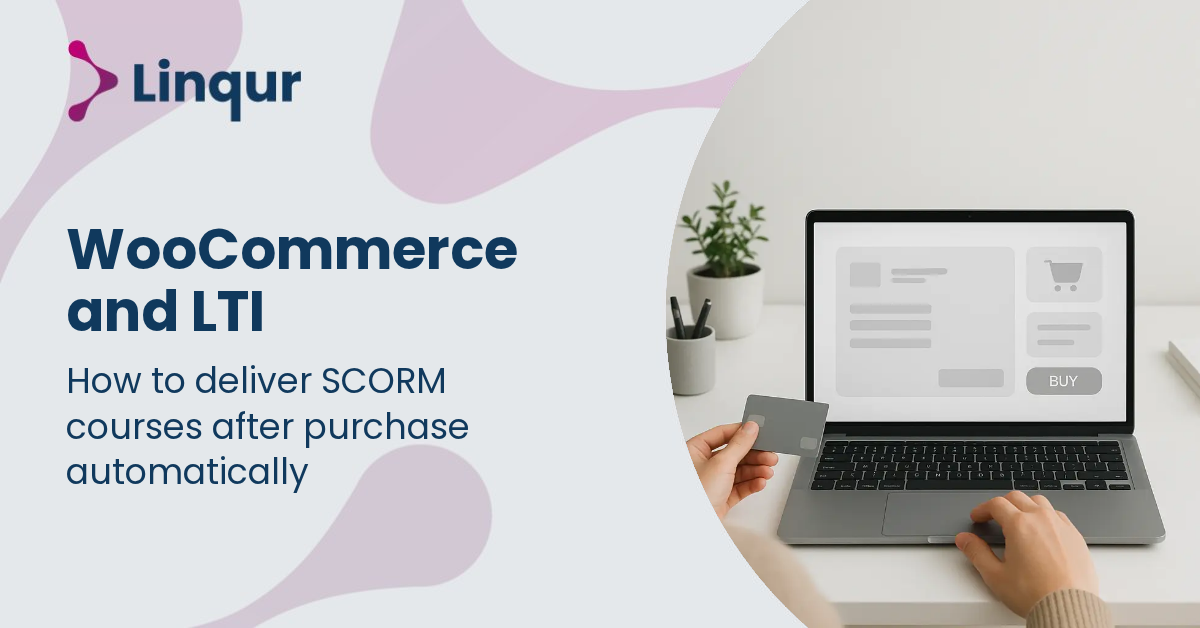
Every time a customer completes a purchase on a WooCommerce store, the challenge begins: how to deliver SCORM courses automatically without manual intervention. The process often involves juggling multiple systems, ensuring secure access, and managing course licenses, all while maintaining a seamless learner experience. Integrating e-commerce with learning management systems requires more than just a simple connection; it demands a reliable method to convert and distribute content instantly.
Solutions like the LTI Converter and the Linqur API enable automated delivery by transforming SCORM packages into LTI-compatible formats and managing course access programmatically. This approach eliminates delays and reduces administrative overhead, making course fulfillment after purchase both efficient and scalable.
From the LMS perspective, delivering SCORM courses after a WooCommerce purchase involves launching content that is compliant with SCORM standards (such as SCORM 1.2 or SCORM 2004) within the LMS environment. The LMS expects a SCORM package with runtime API calls like LMSInitialize, LMSGetValue, and LMSSetValue to track learner progress. However, from your perspective as a course vendor or training provider, managing individual SCORM files for each customer and LMS can become complex and error-prone.
Integrating WooCommerce with an LTI-based delivery mechanism changes this dynamic. Instead of uploading SCORM packages directly into each LMS, the course is published centrally as an LTI tool. When a customer purchases a course via WooCommerce, an automated process triggers the provisioning of an LTI launch URL linked to that course. The LMS then launches the course via LTI, handling authentication with OAuth 2.0 and OpenID Connect under LTI 1.3 or LTI Advantage protocols. This launch includes parameters that identify the user and course context, enabling seamless single sign-on and grade return.
This mechanism effectively decouples the SCORM content hosting from the LMS, allowing you to maintain one source of truth for content and updates. The SCORM runtime calls still happen, but they are proxied through the LTI launch, so the LMS sees the course as a standard SCORM experience while you retain control over the content and reporting.
Imagine you sell a SCORM-based compliance training course through your WooCommerce store. Without integration, after a purchase, you’d need to send the SCORM package manually to the customer or instruct them to upload it to their LMS. This is slow and error-prone.
With WooCommerce integrated to trigger an LTI provisioning workflow, here’s what happens:
This workflow can be fully automated using our Linqur API to synchronize WooCommerce orders, user accounts, and course access. The LTI Provider Service handles the LTI launch and reporting, while the SCORM Proxy ensures the SCORM content is delivered centrally without losing control over updates or licensing.
For a step-by-step guide on dispatching SCORM courses at scale, see our article on how to dispatch SCORM courses.
How quickly does course access activate after a WooCommerce purchase?
Access can be near-instant. Once WooCommerce confirms payment, an API call provisions the LTI tool and enrolment. The customer can launch the course immediately from their LMS without manual intervention.
Is this integration compatible with all LMS platforms?
Most modern LMS platforms like Moodle, Canvas, Blackboard, Brightspace, TalentLMS, and Cornerstone support LTI 1.1, 1.3, or Advantage standards. However, exact support varies, so verify the LMS’s LTI version and capabilities. Our LTI Converter helps bridge SCORM content to any LMS supporting LTI.
What about security and data privacy?
LTI 1.3 and Advantage use OAuth 2.0 and OpenID Connect for secure authentication. Data exchange complies with GDPR and other regulations. Our ISO 27001-certified hosting and secure API endpoints ensure data protection. Still, you should review your LMS and WooCommerce security settings for end-to-end compliance.
LTI-based delivery is superior when you want centralized control over SCORM content, automated enrolment, and seamless user experience across multiple LMS platforms. It eliminates the need for customers to manage SCORM files locally, reducing errors and support tickets.
Direct SCORM uploads may still be valid if your customers have simple LMS setups without LTI support or if you sell one-off courses without recurring updates or multiple clients. In those cases, traditional SCORM package distribution might be simpler.
For a detailed comparison, see our article on SCORM vs LTI differences and benefits.
This integration approach transforms WooCommerce from a simple sales tool into a powerful gateway for automated, scalable SCORM course delivery via LTI, improving operational efficiency and learner experience. For more on connecting WooCommerce with LMS platforms, see our blog on integrating WooCommerce with your existing LMS.
Integrating WooCommerce with LTI-based SCORM delivery redefines e-learning distribution as a seamless, event-driven service rather than a batch file transfer.
Explore how our Linqur API can help you automate WooCommerce-triggered course provisioning and streamline your SCORM delivery.
Automate your WooCommerce to LMS workflow and deliver SCORM courses via LTI in minutes, not days. Start by connecting your store to our API and provisioning LTI tools for instant course access.
Book a 30 minute session with one of our engineers to see how quickly you can transform your SCORM delivery, or read the setup documentation to get started on your own.
Joris Even is our founder and the brains behind our products, with 15 years in e-learning. He loves the outdoors and lives to enjoy every moment. Joris’s easy-going approach and deep industry knowledge make our work both fun and impactful.
With our LTI Provider Service, you can integrate your content into any LMS. Fast, simple, and hassle-free. Get the brochure and find out how!
With SCORM Proxy, you can play SCORM courses in any LMS without worrying about updates or hosting. Sounds good? Request the brochure!
Our LTI Converter transforms SCORM into LTI, making your content work in any LMS. Want to know how? Download the brochure and find out for yourself!
With Magic Link Login, your users log in securely with just one click – no passwords, no hassle. Discover how in the brochure!
With the Linqur API, you can seamlessly connect e-learning systems and automate everything. Download the brochure and discover the benefits.