.jpeg)
Every time a new client is onboarded, someone on your team is probably doing the same thing manually: uploading a SCORM package, configuring an LTI tool, creating a registration, and then repeating that process across multiple platforms. For training providers managing dozens of courses and hundreds of learners, that kind of repetitive work adds up fast, and it introduces room for error at every step.
The Linqur API is built specifically to remove that overhead, giving you programmatic control over course management, SCORM uploads, LTI tool configuration, and learner registrations from a single interface. Rather than logging into a dashboard to handle each task individually, you can trigger those operations directly from your own systems, whether that is a CRM, a custom platform, or an automated workflow.
Understanding how to structure those API calls, and which operations are worth automating first, is what makes the difference between a modest time saving and a genuinely scalable distribution infrastructure. This article walks you through the practical steps.
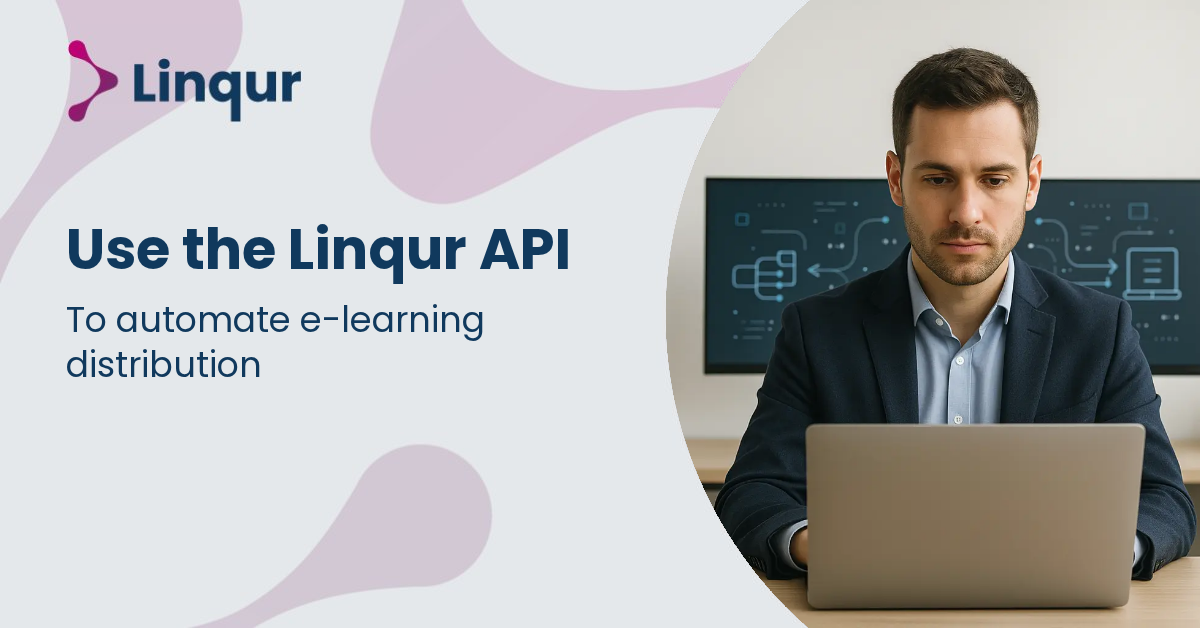
When you use the Linqur API for e-learning distribution, you move repetitive platform work out of the LMS interface and into your own workflows. According to Linqur’s API practical applications, the API supports management of courses, learning objects, tools and LTI integrations, users, and API tokens. That means you can create a course, add or update SCORM learning objects, configure tool connections, manage users, and remove outdated resources programmatically instead of handling each task manually.
This matters most when your delivery model involves multiple customers, multiple LMS environments, or frequent catalog changes. In those situations, manual distribution often creates delay and inconsistency. A single missing enrolment, wrong course ID, or outdated package can quickly become an operational problem. Linqur’s own overview of API use cases highlights the practical value of automating course management, SCORM uploads, and LTI integration, especially when your content operation needs to scale.
In practice, the API is most useful when it sits between your source systems and your delivery environment. Your source system might be a CRM, webshop, catalog database, HR platform, or external content repository. Instead of exporting spreadsheets or asking administrators to create courses by hand, you can trigger API calls whenever something changes. This is the same operational logic discussed in Linqur’s article on content distribution with LTI, SCORM, or API, where the API is positioned as the option that gives you the most control over custom automation.
A common pattern looks like this:
This approach works well if you need to distribute content across different LMS setups while keeping your own platform as the system of record. If you are still deciding where API fits next to standards-based delivery, Linqur’s explanation of SCORM, xAPI, and LTI differences is helpful for understanding which layer handles packaging, launch, and data exchange.
The API documentation shows that course lifecycle management is one of the core building blocks. You can create a course with courseAdd, update it with courseUpdate, and remove it with courseDelete. For teams distributing training to many client portals, that means you can treat course records as deployable objects in your workflow, rather than static items configured only by admins.
The learning object endpoints are especially relevant for SCORM-based operations. The documentation describes listing course learning objects, adding a SCORM package, updating a SCORM learning object, and deleting a learning object. This gives you a controlled way to publish new versions, retire obsolete packages, or synchronize catalog changes with client environments. If your challenge is large-scale package maintenance, Linqur’s post on managing and updating SCORM packages addresses the same operational problem from a practical angle.
For many teams, this changes how content operations are organized. Instead of treating each LMS as a separate place where administrators upload files and make edits, you can define a repeatable publishing process. A package update in your source system can trigger a sequence that identifies the right course, replaces the learning object, and logs the result. That reduces manual follow-up and makes it easier to keep multiple customer environments aligned.
The API also supports tool management inside courses, including listing tools and adding or updating LTI integrations. That is important if your distribution model relies on LTI rather than file-based package delivery. Instead of uploading content copies into every LMS, you can automate the creation of tool-based connections that point back to centrally managed content or services.
For providers working across institutional LMS platforms, this can reduce duplication and simplify updates. It also gives you a cleaner way to support mixed delivery models, for example, some clients receiving SCORM packages and others receiving LTI launches from the same content catalog. Linqur’s article on automating course access with LTI and Magic Link shows how this kind of automation becomes more valuable when access and launch are tied together.
Another advantage of API-driven LTI distribution is consistency. If your team manages many customer implementations, manually configuring tool settings in each environment increases the chance of small differences that later cause support issues. Automating those steps helps standardize launch behavior, naming, and connection details across accounts. It also makes onboarding new customers faster because the setup can follow the same tested workflow each time.
Distribution is not complete when the course exists; it is complete when the right learner can access it. The API’s user management functions help you automate that last operational step. Instead of relying on imports or manual account creation, you can provision users as part of the same workflow that creates courses and assigns learning objects. This reduces lag between purchase, assignment, and first launch.
It also helps you design more reliable access rules. For example, you can trigger user creation only after payment clears, only for active contract accounts, or only for learners mapped to a specific customer tenant. If login friction is part of your delivery problem, the broader topic of automatic login between LMS and CRM is closely connected to API-driven provisioning and access control.
When user provisioning is automated, support teams also gain better visibility into what happened and when. If a learner cannot access a course, you can trace whether the user record was created, whether the course assignment was completed, and whether the launch path was generated. That is much easier than investigating a chain of manual actions spread across email requests, spreadsheets, and LMS admin screens.
Before you automate everything, define your source of truth. Decide whether course metadata comes from your LMS, product catalog, CRM, or commerce platform. Then map Linqur API actions to clear business events, such as order confirmed, license activated, subscription expired, or package updated. This prevents conflicting updates and makes troubleshooting easier.
It also helps to separate three layers in your design: content objects, user access, and launch method. SCORM packages, LTI tools, and login flows solve different problems. Treating them separately makes your automation more maintainable and easier to extend later. For many teams, the best starting point is one repeatable workflow, such as new customer onboarding or post-purchase enrolment, then expanding from there once the API calls and exception handling are stable.
A practical implementation usually starts with one business event, one source system, and one repeatable outcome. Once that flow is reliable, additional course, content, and user scenarios are much easier to automate.
The main benefit of the Linqur API is not just speed. It is the ability to make e-learning distribution predictable across changing catalogs, customer environments, and access models. When course creation, content updates, LTI setup, and user provisioning are connected to your own systems, distribution becomes part of a controlled operational process rather than a series of manual admin tasks.
Start by automating one high-volume workflow, such as post-purchase enrolment or new client course setup, before expanding to broader LMS operations.
A focused rollout gives you a more reliable distribution process and makes it easier for your team to scale without adding administrative overhead.
Joris Even is our founder and the brains behind our products, with 15 years in e-learning. He loves the outdoors and lives to enjoy every moment. Joris’s easy-going approach and deep industry knowledge make our work both fun and impactful.
With our LTI Provider Service, you can integrate your content into any LMS. Fast, simple, and hassle-free. Get the brochure and find out how!
With SCORM Proxy, you can play SCORM courses in any LMS without worrying about updates or hosting. Sounds good? Request the brochure!
Our LTI Converter transforms SCORM into LTI, making your content work in any LMS. Want to know how? Download the brochure and find out for yourself!
With Magic Link Login, your users log in securely with just one click – no passwords, no hassle. Discover how in the brochure!
With the Linqur API, you can seamlessly connect e-learning systems and automate everything. Download the brochure and discover the benefits.