How training companies use SCORM Proxy to maintain content control after delivery
Training companies that license SCORM content to many clients often lose control of it the moment it is uploaded into each client’s learning management system (LMS): every client holds a separate copy, and there is no guarantee an update reaches all of them at the same time. SCORM Proxy keeps the source content hosted in Linqur and gives each client a lightweight wrapper to upload instead of the full package, so an update to the source content is live for every client without a new upload. This article looks at how that wrapper works and when it is the right way to keep SCORM content under central control.
How SCORM Proxy works for training companies
From a client’s side, SCORM Proxy looks like a normal SCORM package uploaded into their LMS, compatible with SCORM 1.2 or SCORM 2004. Learners open the content inside their familiar environment, with nothing extra to install. From your side, SCORM Proxy is a wrapper that links back to content hosted centrally in Linqur, rather than a full copy of the course. That means you never lose track of your intellectual property or your latest version: when you update a course, every client automatically opens the current version without re-uploading anything, and you can restrict or revoke a client’s access instantly.
What you control with SCORM Proxy
- Central content management. One source, one version, one update path; you never send a new file to every client.
- Access and licensing. Cap usage, revoke a license, or apply domain restrictions per client, dynamically.
- Reporting. Collect registration, completion and score data, including wrapper-level detail on how each client is using the content.
- Content protection. Your original SCORM files stay in your environment; clients only ever receive the wrapper.
- Compliance. Hosted in an independent Dutch data centre, GDPR compliant and ISO 27001 and ISO 9001 certified.
A practical example: serving clients on different LMS platforms
A training provider delivers content to clients that each run a different LMS, such as Moodle, Blackboard or Instructure Canvas. Canvas is a case worth naming directly: it does not include a robust native SCORM player, so SCORM content there runs through a built-in SCORM-LTI connector with its own limits, which is exactly the kind of platform difference a wrapper is designed to absorb. With SCORM Proxy, the provider generates a wrapper for each client’s LMS. Clients upload that lightweight wrapper once. When the underlying course changes, every client opens the current version without doing anything on their end, and if a client’s license ends, access is revoked centrally instead of chasing down a file to delete.
How does SCORM Proxy compare to sending an updated SCORM package to every client manually?
Manual distribution means repackaging and resending a SCORM file to every client each time content changes, and asking each one to re-upload it. SCORM Proxy removes that step: the wrapper clients already have keeps pointing at the current version, so nothing needs to be resent, and this is the step that grows hardest to manage as the number of clients increases.
Will clients notice a difference in how they access or use a course delivered through SCORM Proxy?
No. From a learner’s perspective, the course behaves like a normal SCORM package hosted locally in their LMS. The wrapper handles compatibility behind the scenes, while you retain control over the content it points to.
What happens if a training company keeps sending SCORM packages the old way?
Clients risk ending up on outdated content whenever an update is missed, support requests around version mismatches increase, and every license change has to be tracked manually per client instead of centrally.
When SCORM Proxy beats other distribution methods
SCORM Proxy fits when clients require a SCORM package and do not support LTI. Where a client’s LMS does support LTI and you want grades to return to their gradebook, the LTI Tool Dispatch is the better route instead. Where client platforms vary widely, or several do not support LTI at all, SCORM Proxy keeps that content manageable from one place. For a broader comparison of delivery routes, see our article on content distribution with LTI, SCORM or the API.
Keep control after delivery
Generate your first SCORM Proxy wrapper and see what stays under your control once a course is out with clients. Book a 30 minute SCORM Proxy walkthrough with one of our engineers.
Related articles
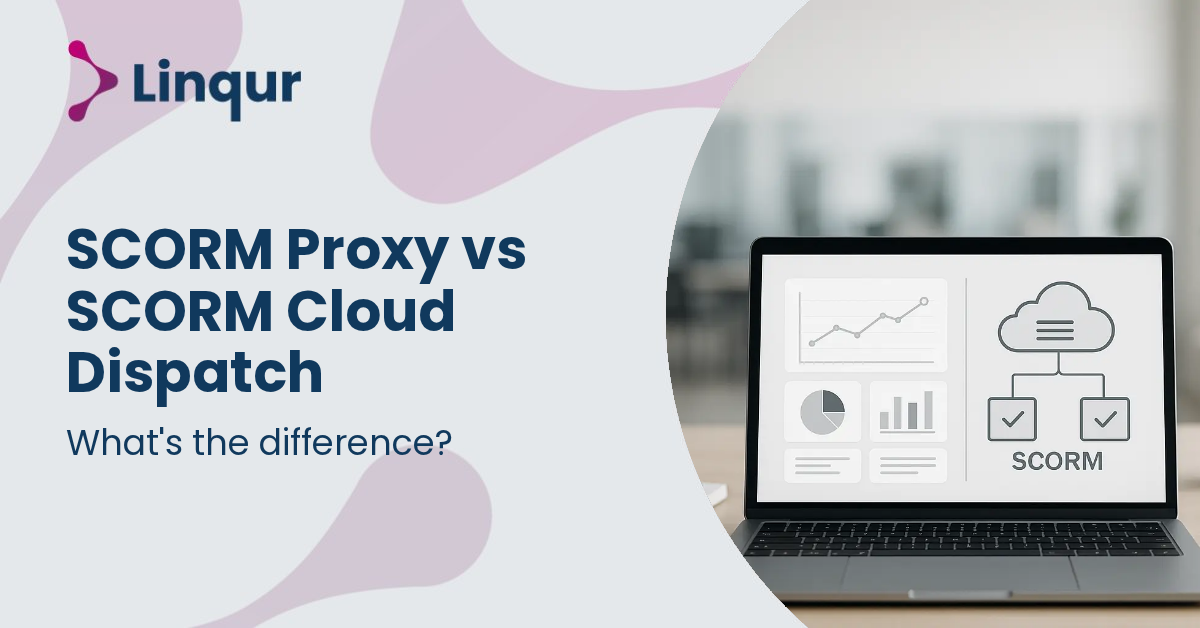
SCORM Proxy vs SCORM Cloud Dispatch: what is the difference?
When training providers distribute SCORM content to multiple clients, managing separate SCORM packages for each LMS quickly becomes overwhelming. Every update means sending out new files, tracking versions, and hoping clients upload the latest release correctly.


The benefits of becoming an LTI provider for your training business
If you have ever tried to expand your training business by integrating your courses into multiple learning management systems, you already know how complex and fragmented the process can be.
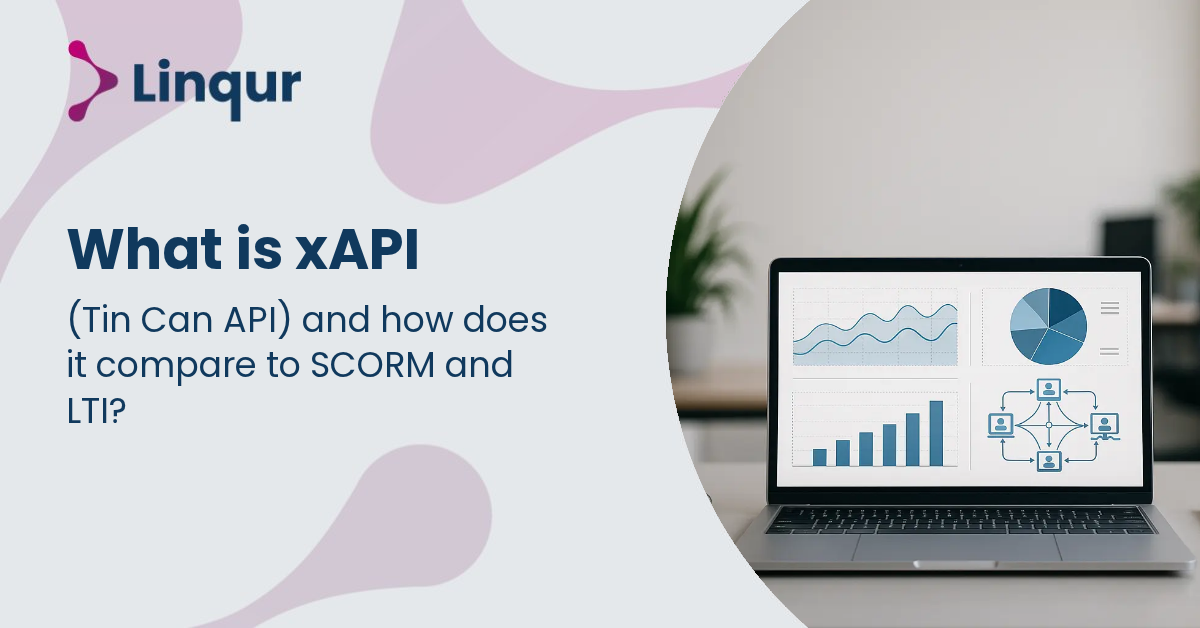
What is xAPI (Tin Can API) and how does it compare to SCORM and LTI?
When training providers or organisations try to track learner activity beyond traditional e-learning platforms, they often face confusion about which standard to use.
About the author
Joris founded Linqur and has worked in e-learning for fifteen years. He is responsible for the product, its technical direction and client contracts.