How to share your SCORM courses with any LMS using LTI
If you license SCORM content to multiple customers, you have probably hit the same wall. Every new client means another LMS, another upload, another version of your course living somewhere you no longer control. Six months later you have nine copies of the same course, three of them outdated, and a support ticket asking why one client’s certificate has the wrong logo.
LTI solves this by inverting the model. Instead of shipping the SCORM package into every customer LMS, you host the course once on your own platform and let each LMS launch it through a standard connection. The learner never leaves their LMS. You never give up control of the content. This is what Learning Tools Interoperability was designed for, and it is the same model used by the Linqur LTI Tool Dispatch.
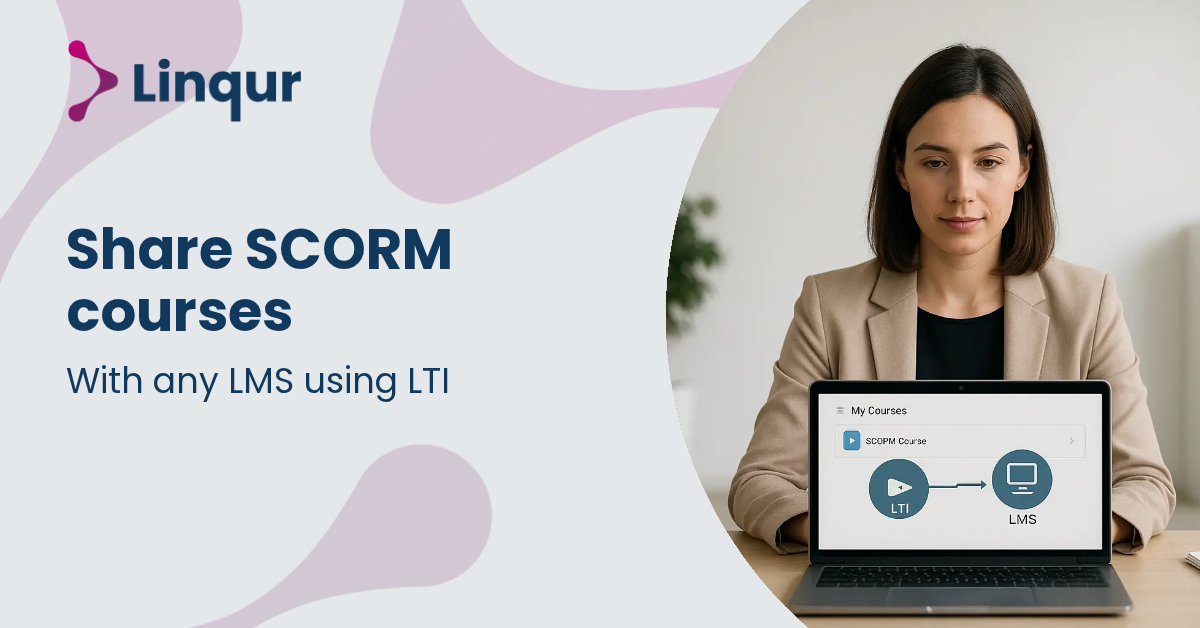
How the LTI mechanic works
LTI defines a contract between two systems. The customer LMS plays the role of “platform” or “tool consumer”. Your hosting environment plays the role of “tool” or “tool provider”. When a learner clicks the course link inside their LMS, the LMS sends a signed launch message to your platform with the learner’s identity, role, and course context. Your platform validates the message, opens the SCORM content, and runs it inside the LMS frame.
From the learner’s perspective, the course is just there, inside their LMS, alongside everything else. From your perspective, every launch hits the same hosted source. Updates propagate the moment you publish them.
The LTI versions you need to know
LTI 1.1 is the legacy launch model. It uses OAuth 1.0a and shared secrets. Older LMS platforms still depend on it, so dropping support is rarely an option for content vendors serving mixed customer bases.
LTI 1.3 is the current standard. It uses OAuth 2.0, OpenID Connect, and JSON Web Tokens. The security model is stronger and the framework supports a richer set of services.
LTI Advantage is the layer of services on top of LTI 1.3:
- Deep Linking lets an LMS admin browse your catalog and embed specific courses or modules without copying launch URLs by hand
- Assignment and Grade Services (AGS) sends completion data and scores back into the LMS gradebook
- Names and Role Provisioning Services (NRPS) keeps roster and role information in sync between systems
For a deeper comparison of the two versions, see LTI 1.1 vs LTI 1.3.
Setting up SCORM sharing through LTI
The setup follows five steps.
- Host your SCORM content centrally on a platform with LTI provider functionality. One source, one version, one update path.
- Register the customer LMS as a consumer. For LTI 1.1 you exchange a shared key and launch URL. For LTI 1.3 you exchange client IDs, deployment IDs, public keys, and platform endpoints.
- Publish your content as LTI-launchable resources. A single course, a grouped catalog, an onboarding bundle, or a complete learning path.
- Enable Deep Linking so the customer admin can browse and select specific items from your catalog directly inside their LMS.
- Configure NRPS and AGS so enrollments, roles, and completion results flow between systems automatically.
Finally, test against each target LMS. Even when two systems claim the same LTI version, gradebook behavior, role mapping, and launch presentation often differ. We covered the practical side of this in LTI integration challenges in real projects.
When LTI beats sending SCORM packages
If your customer LMS supports LTI 1.3 with Advantage services, LTI is the better choice for almost every distribution scenario. You keep the content. You control the updates. You get completion data back without asking the customer to export anything.
There are cases where shipping a SCORM package or using SCORM dispatch still makes sense. Some legacy LMS platforms only accept SCORM imports. Some customers have IT policies that block external launches. Some procurement processes are easier with a file than with an integration. For those cases, SCORM Proxy covers the same operational pattern through a SCORM wrapper instead of an LTI launch.
In practice, content vendors usually need both standards available. The Linqur LTI Tool Dispatch supports LTI 1.1, LTI 1.3, and SCORM-based delivery from the same hosted source. You publish once and let each customer connect through the standard their LMS supports.
Common questions
Does the learner see the LMS or your platform? They see their LMS. The course renders inside the LMS frame, with the LMS navigation around it. The hosted source is invisible to them.
What happens to existing SCORM packages already uploaded by customers? You can leave them in place during the transition, or replace them with an LTI launch link that points to the centrally hosted version. Either way, future updates flow only through your platform.
Can the customer still report on completions inside their LMS? Yes, if AGS is enabled. Scores and pass-fail status return to the LMS gradebook in real time.
Take aways
LTI lets you share SCORM content with any LMS that supports the standard, without giving up control of the content itself. You host once, publish through LTI 1.1 or LTI 1.3, and let each customer LMS launch directly from your platform. Updates, licensing, access, and reporting all stay on your side. The model removes the duplication and version drift that come with handing over SCORM packages, and replaces them with a single managed source connected to many launch points.
Publish once, launch everywhere
If you want to see whether LTI distribution fits your stack, the fastest path is to wrap one existing SCORM course as an LTI tool and test the launch against one of your customer LMS environments. We can have a working configuration ready in under an hour.
Book a 30 minute LTI walkthrough, or read the setup documentation to start in self-service mode.
Related articles
How training companies use SCORM Proxy to maintain content control after delivery
Training companies that license SCORM content to many clients often lose control of it the moment it is uploaded into each client's learning management system (LMS): every client holds a separate copy, and there is no guarantee an update reaches all of them at the same time.

SCORM Proxy vs SCORM Cloud Dispatch: what is the difference?
When training providers distribute SCORM content to multiple clients, managing separate SCORM packages for each LMS quickly becomes overwhelming. Every update means sending out new files, tracking versions, and hoping clients upload the latest release correctly.
The benefits of becoming an LTI provider for your training business
If you have ever tried to expand your training business by integrating your courses into multiple learning management systems, you already know how complex and fragmented the process can be.
About the author
Joris founded Linqur and has worked in e-learning for fifteen years. He is responsible for the product, its technical direction and client contracts.