How training companies are using WooCommerce + LTI
Training companies that sell courses through a WooCommerce webshop can automate everything between checkout and course access by connecting WooCommerce to Linqur. A purchase triggers a call to the Linqur API, which registers the learner and activates access immediately, either as a live LTI tool inside the client’s LMS or through a Sign-up URL when no LMS is involved. That removes the manual work of creating accounts and course registrations for every sale. This article walks through how the integration works and what it changes in day to day operations.
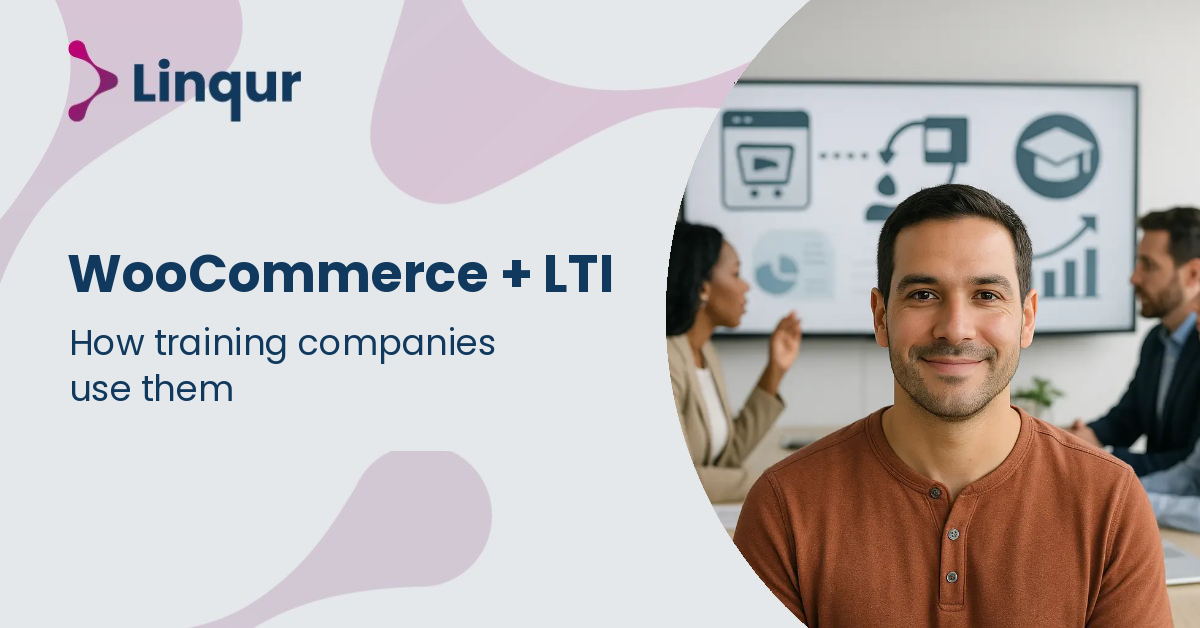
How WooCommerce and LTI work together
WooCommerce handles the sale, but it does not host course content or track learner progress. That is where Learning Tools Interoperability (LTI) comes in: once a purchase completes, the course launches directly inside the client’s learning management system (LMS), or through a web link if no LMS is involved. Using LTI, you can offer SCORM-compliant course content without asking clients to upload or manage files themselves, which is what keeps fulfillment after purchase fast and consistent regardless of how many clients you serve.
What you control with WooCommerce and LTI integration
- Central content management. One source, one version, one update path; clients never re-upload a package to receive an update.
- Automated access activation. A completed WooCommerce order activates course access through the integration, without manual provisioning.
- License and access control. Cap or revoke access per client or user to stay within licensing agreements.
- Grade reporting. Where a client’s LMS supports it, completions and grades return automatically through the LTI Advantage Assignment and Grade Services (AGS).
- Multiple delivery formats. Deliver SCORM packages to LMSs that require them, or live LTI tools to platforms that support LTI.
- Access without an LMS. Learners without an LMS account get access through a Sign-up URL, a temporary URL that tracks progress independently.
A practical example: cutting voucher administration for a WooCommerce shop
A training provider connected their WooCommerce shop through Linqur Connect and no longer needed to create a voucher code for every order. Before that, each sale meant generating a code manually, tracking which codes had been redeemed, and following up when a client reported one that did not work. After connecting WooCommerce, that step disappeared: a purchase registers the learner and activates access directly, invoicing runs automatically, and the provider now spends roughly a day per week less on that administration, with fewer support questions from clients chasing a code that should have worked.
How long does connecting WooCommerce and LTI take to set up?
Setup time depends on your existing systems: it involves configuring WooCommerce to call the Linqur API and setting up LTI tools inside each client LMS you serve. Once configured, the flow from purchase to access runs automatically for every order.
What if a client’s LMS only supports SCORM, not LTI?
You can still serve that client by delivering a SCORM package through a proxy wrapper that you update centrally. The client uploads the wrapper once; content updates afterward without a new upload. See our article on content distribution with LTI, SCORM or the API for the full comparison.
Can access be capped or revoked after a purchase?
Yes. You keep full control over access after the sale, including capping registrations, revoking a license, or limiting an access period, which matters for compliance and for managing separate client contracts.
When LTI integration beats manual SCORM delivery
Manual SCORM delivery means every client uploads a package to their own LMS, which leads to version mismatches whenever an update goes out. LTI integration publishes content as a live tool instead, so there is nothing left to re-upload and every client sees the current version. It is most valuable when you serve several clients on different LMS platforms. Where a client’s LMS does not support LTI, or only accepts SCORM 1.2, SCORM Proxy still benefits from the same central content updates, it just asks the client to handle the upload. For clients without any LMS at all, Sign-up URLs are the practical route, since it grants access without requiring an account.
Automate access after every sale
Connect your WooCommerce webshop to Linqur and let a purchase activate course access on its own, whether that means an LTI launch inside a client’s LMS or a Sign-up URL. Book a 30 minute LTI walkthrough with one of our engineers.
Related articles
Selling Online Courses with WooCommerce: A Guide for Training Businesses
Most training businesses that build on WordPress reach for WooCommerce when they want to start selling courses, and for good reason: it handles payments, produc

What is Magic Link Login and How Does It Simplify E-Learning Access?
A learner purchases a course, receives a confirmation email, and then hits a login screen they cannot get past because they have no account, no password, and no
How to Integrate Your E-Learning Courses with WooCommerce (Step-by-Step)
Selling e-learning courses through WooCommerce sounds straightforward until you hit the gap between payment confirmation and actual course access. A learner com
About the author
Joris founded Linqur and has worked in e-learning for fifteen years. He is responsible for the product, its technical direction and client contracts.